

What you’ll learn
- Create a streaming handler function that yields incremental results.
- Deploy a custom worker with streaming enabled.
- Send requests to your endpoint and receive streamed responses.
- Process and display streaming output in a Python client.
Requirements
Before starting, you’ll need:- A Runpod account with credits.
- A Runpod API key.
- Python 3.9+ installed locally.
- Docker installed and configured.
- A Docker Hub account for pushing your worker image.
Step 1: Set up your development environment
Create a project directory and set up a Python virtual environment:Step 2: Create a streaming handler function
Create a file namedhandler.py with the following code:
handler.py
- Accepts a base64-encoded image in the request input.
- Yields an initial status message with image metadata.
- Processes the image in chunks, yielding progress updates for each chunk.
- Sends a final completion message when done.
yield instead of return, and setting return_aggregate_stream to True when starting the serverless function. This makes the streamed results available via the /stream endpoint.
Step 3: Create a Dockerfile
Create aDockerfile to package your handler:
Dockerfile
requirements.txt file:
requirements.txt
Step 4: Build and push your Docker image
Build and push your image to Docker Hub:YOUR_DOCKERHUB_USERNAME with your actual Docker Hub username.
Step 5: Create a Serverless endpoint
Deploy your worker to a Serverless endpoint using the Runpod console:- Go to the Serverless section of the Runpod console.
- Click New Endpoint.
- Click Import from Docker Registry.
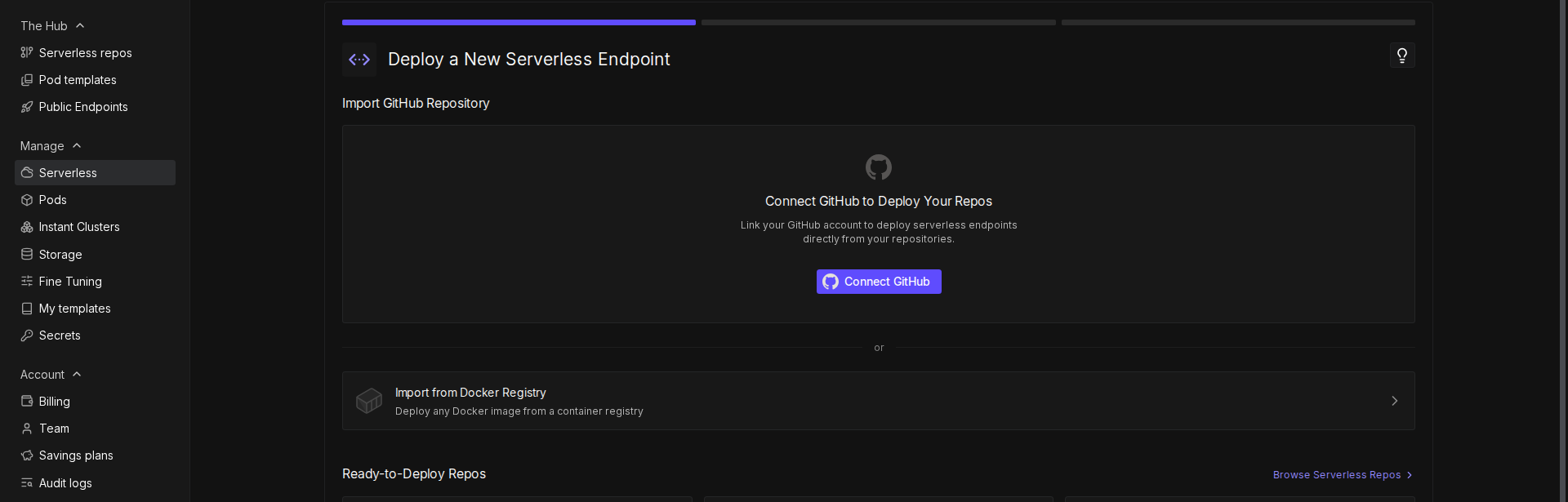
- In the Container Image field, enter your Docker image URL (e.g.,
docker.io/YOUR_DOCKERHUB_USERNAME/runpod-base64-stream:latest). - Click Next.
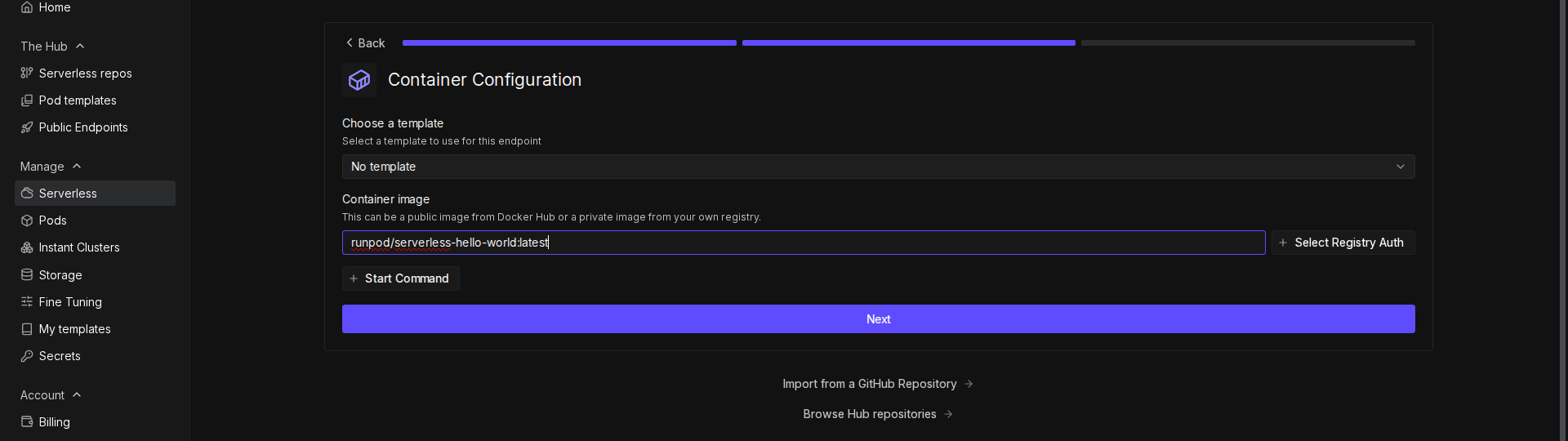
- Configure your endpoint:
- Enter a name for your endpoint, or use the randomly generated name.
- Make sure Endpoint Type is set to Queue.
- Under GPU Configuration, select 16 GB GPUs.
- Leave the rest of the settings at their defaults.
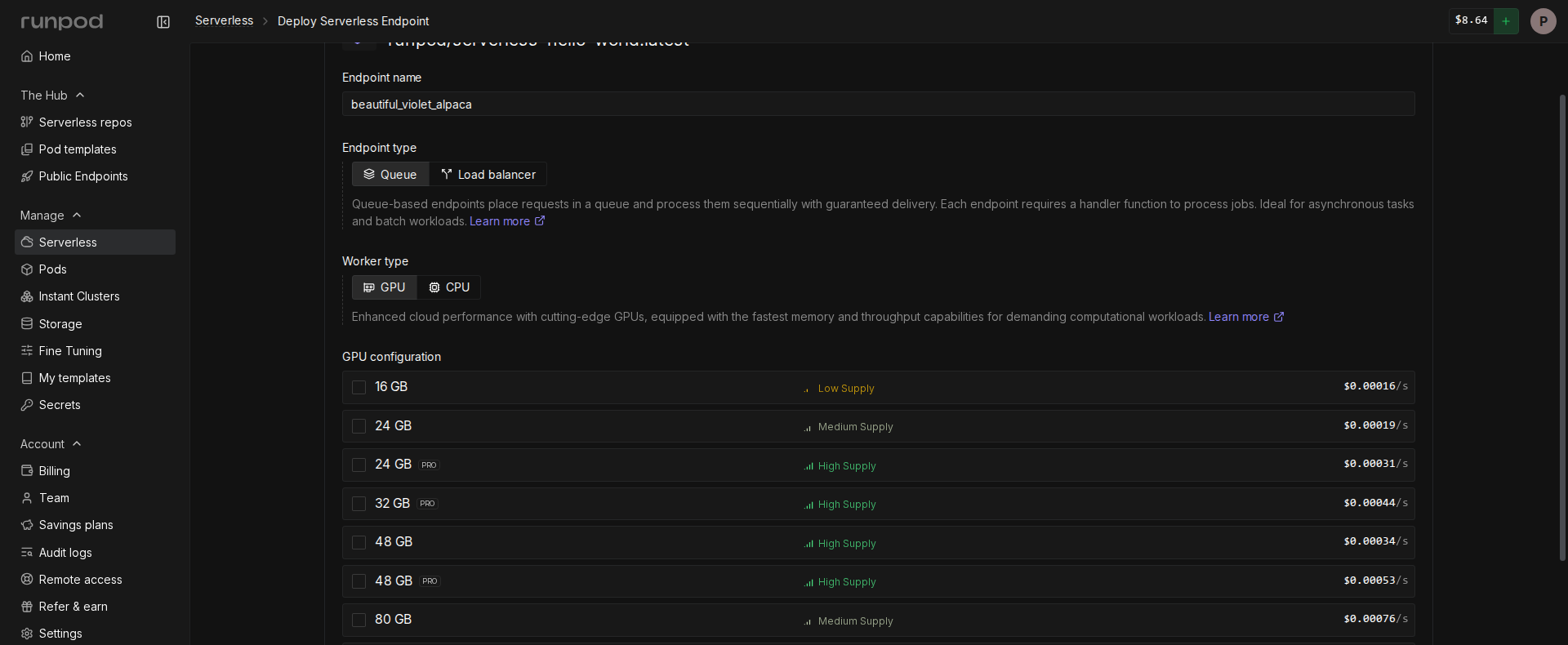
- Click Deploy Endpoint.
Step 6: Test the endpoint
Create a file namedtest_endpoint.py to test your streaming endpoint:
test_endpoint.py
/stream endpoint to receive incremental results as they become available.
Next steps
Now that you’ve built a streaming endpoint, explore these related topics:- Learn more about streaming handlers and handler types.
- Explore the /stream operation for receiving streamed results.
- Try building a concurrent handler to process multiple requests simultaneously.